
Electronic devices generate heat whenever they operate. Processors, graphics cards, power supplies, batteries, and other components can become hot during normal use.
However, excessive heat can affect performance and reduce hardware lifespan. In some cases, it can even cause permanent component damage.
That is why thermal management in electronics is an important part of hardware design, installation, and maintenance.
A good thermal management strategy helps electronic systems maintain safe operating temperatures. It also improves reliability, performance, and long-term efficiency.
What Is Thermal Management in Electronics?
Thermal management is the process of controlling and removing heat generated by electronic components.
Every electronic component has an operating temperature range. When temperatures remain within that range, the hardware can work reliably.
However, poor heat management can cause temperatures to rise. As a result, the system may slow down, become unstable, or shut down unexpectedly.
Thermal management can involve several methods, including:
- Heat sinks
- Cooling fans
- Thermal interface materials
- Airflow management
- Liquid cooling
- Heat pipes
- Proper component placement
- Temperature monitoring
The right approach depends on the hardware, workload, environment, and power requirements.
Why Does Electronic Hardware Overheat?
Several factors can cause hardware overheating.
High Power Consumption
Power-hungry components generate more heat. High-performance processors, GPUs, servers, and mining hardware can produce significant thermal loads during intensive workloads.
Therefore, systems with high power requirements need carefully designed cooling solutions.
Poor Airflow
Airflow plays a major role in removing heat from electronic equipment.
If hot air remains trapped inside an enclosure, internal temperatures can continue to increase. Dust, blocked vents, poorly positioned fans, and incorrect cable management can also restrict airflow.
Insufficient Cooling
A cooling system must match the heat produced by the hardware.
A small heat sink or low-capacity fan may not be enough for a high-performance component. As a result, the component can operate above its recommended temperature.
High Ambient Temperature
The surrounding environment also affects hardware temperature.
Equipment installed in hot rooms, poorly ventilated areas, or direct sunlight may have difficulty releasing heat. This problem becomes even more important in server rooms, industrial environments, and high-performance computing setups.
Common Signs of Hardware Overheating
Overheating does not always cause immediate hardware failure. Instead, systems often show warning signs first.
Common symptoms include:
- Unexpected system shutdowns
- Reduced processing performance
- Frequent crashes
- Fan noise
- System freezes
- Thermal throttling
- Shorter component lifespan
- Unexpected error messages
For example, a processor may reduce its clock speed when temperatures become too high. This process is known as thermal throttling.
Although thermal throttling protects the component, it can reduce overall system performance.
Key Thermal Management Techniques
Effective thermal management combines hardware design, cooling, monitoring, and maintenance.
1. Use the Right Heat Sink
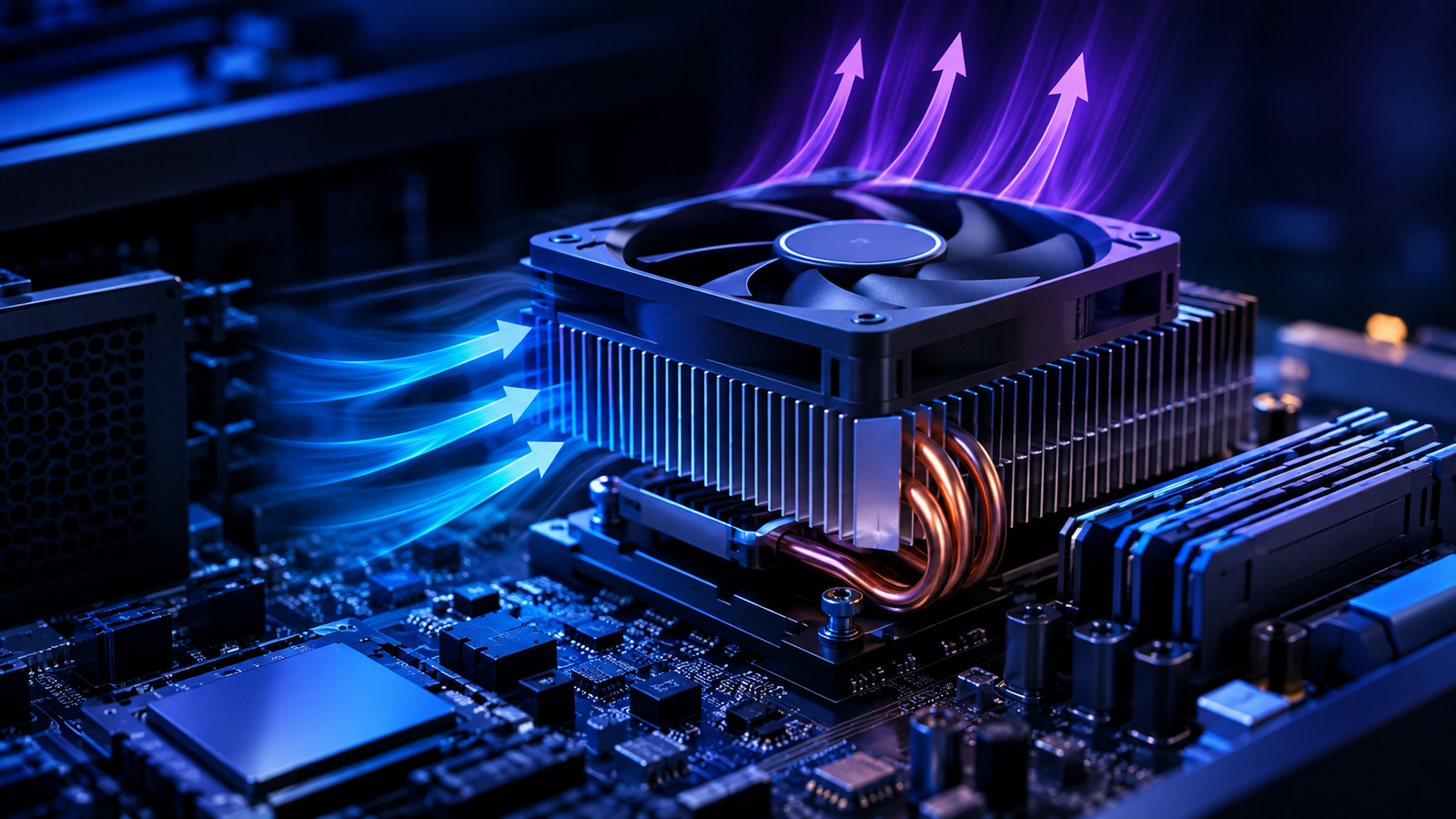
A heat sink transfers heat away from a component and releases it into the surrounding air.
The size and design of a heat sink should match the component’s thermal requirements. Larger or more complex systems may require heat sinks with greater surface area.
Choosing the right heat sink can significantly improve cooling performance.
2. Improve Airflow
Good airflow helps move hot air away from heat-producing components.
A basic airflow strategy should provide:
Cool air intake → Component cooling → Hot air exhaust
Fans should be positioned to support this airflow path.
In addition, avoid blocking ventilation openings. Keep cables organized so they do not interfere with air movement.
3. Apply Thermal Interface Materials Correctly
Thermal interface materials help transfer heat between a component and its cooling solution.
Thermal paste, thermal pads, and similar materials can fill tiny gaps between surfaces. This improves thermal conductivity and allows heat to move more efficiently.
However, incorrect application can reduce cooling performance. Therefore, manufacturers and technicians should follow the recommended application method for each component.
4. Consider Liquid Cooling
Liquid cooling can provide efficient heat transfer for systems with high thermal loads.
It is commonly considered for high-performance computers, workstations, servers, and other systems that generate substantial heat.
However, liquid cooling also introduces additional components, such as pumps, radiators, tubing, and reservoirs.
Therefore, the system should be selected based on actual thermal requirements rather than used simply because it is more advanced.
5. Monitor Temperature Levels
Temperature monitoring provides valuable information about hardware health.
Sensors can track component temperatures and identify unusual changes. Monitoring software can also generate alerts when temperatures reach predefined limits.
This allows teams to identify thermal problems before they result in major performance issues or hardware failures.
Thermal Management During Hardware Design
Cooling should not be treated as an afterthought.
Engineers should consider thermal requirements during the early stages of hardware development. Component selection, PCB layout, enclosure design, power consumption, and airflow all influence thermal performance.
For example, placing multiple high-heat components close together can create a concentrated hot zone.
By contrast, distributing heat-producing components and creating clear airflow paths can improve cooling.
Thermal simulations and testing can also help engineers identify potential problems before mass production.
The Role of Enclosure Design
An electronic enclosure protects internal components. However, it can also affect how efficiently heat escapes.
A poorly designed enclosure may trap hot air around important components.
Therefore, designers should consider:
- Ventilation openings
- Fan placement
- Air intake and exhaust
- Component spacing
- Heat sink clearance
- Cable routing
- Environmental conditions
For industrial or outdoor hardware, the enclosure may also need protection from dust, moisture, and other environmental factors.
The goal is to balance protection with effective heat dissipation.
Thermal Management for Data Centers
Data centers require careful thermal planning because large numbers of servers operate continuously.
Servers generate heat while processing workloads. As server density increases, cooling requirements also increase.
Data centers can use several strategies to manage this heat, including:
- Hot aisle and cold aisle layouts
- High-efficiency fans
- Air conditioning systems
- Liquid cooling
- Temperature sensors
- Automated monitoring
- Server airflow optimization
Efficient cooling is important because cooling systems themselves consume energy.
Therefore, better thermal management can support both hardware reliability and energy efficiency.
How Maintenance Helps Prevent Overheating
Even a well-designed cooling system requires regular maintenance.
Dust can accumulate on fans, filters, heat sinks, and ventilation openings. Over time, this buildup can reduce airflow and increase operating temperatures.
Regular maintenance can include:
- Cleaning cooling components
- Checking fan operation
- Inspecting ventilation paths
- Replacing damaged fans
- Checking thermal interface materials
- Monitoring temperature trends
- Inspecting power connections
Early maintenance can prevent small thermal problems from becoming expensive hardware failures.
Benefits of Effective Thermal Management
A strong thermal management strategy provides several benefits.
Better Performance
Components can operate more consistently when temperatures remain within their recommended ranges.
Longer Hardware Lifespan
Excessive heat can accelerate component degradation. Keeping temperatures under control can support longer hardware service life.
Improved Reliability
Stable temperatures reduce the risk of thermal-related crashes, shutdowns, and system instability.
Lower Maintenance Costs
Preventing overheating can reduce unexpected failures and replacement requirements.
Better Energy Efficiency
Efficient cooling reduces unnecessary energy consumption. This becomes particularly important in large computing environments.
Choosing the Right Cooling Strategy
There is no single cooling solution for every electronic system.
A small office computer may only need a heat sink and fan. A high-performance workstation may require a more advanced cooling configuration. Meanwhile, industrial systems may need specialized thermal solutions based on their operating environment.
Before selecting a cooling solution, consider:
- Component power consumption
- Expected workload
- Operating temperature
- Ambient temperature
- Enclosure size
- Airflow requirements
- Maintenance requirements
- Energy consumption
- Expected hardware lifespan
This approach helps businesses select practical cooling solutions instead of simply choosing the most expensive option.
Final Thoughts
Thermal management in electronics is essential for maintaining hardware performance and reliability.
Heat is a natural part of electronic operation. However, uncontrolled heat can create serious problems over time.
By combining proper component selection, heat sinks, airflow, thermal materials, temperature monitoring, enclosure design, and regular maintenance, businesses can reduce the risk of overheating.
Most importantly, thermal management should begin during the hardware design stage. A system designed with heat management in mind is easier to maintain and more reliable throughout its lifecycle.
For businesses investing in computing, networking, surveillance, industrial, or other electronic hardware, understanding thermal requirements can help protect both equipment and long-term investment.
