
Choosing the right hardware can directly affect a company’s costs, performance, and long-term growth. However, hardware procurement involves more than comparing prices and placing orders.
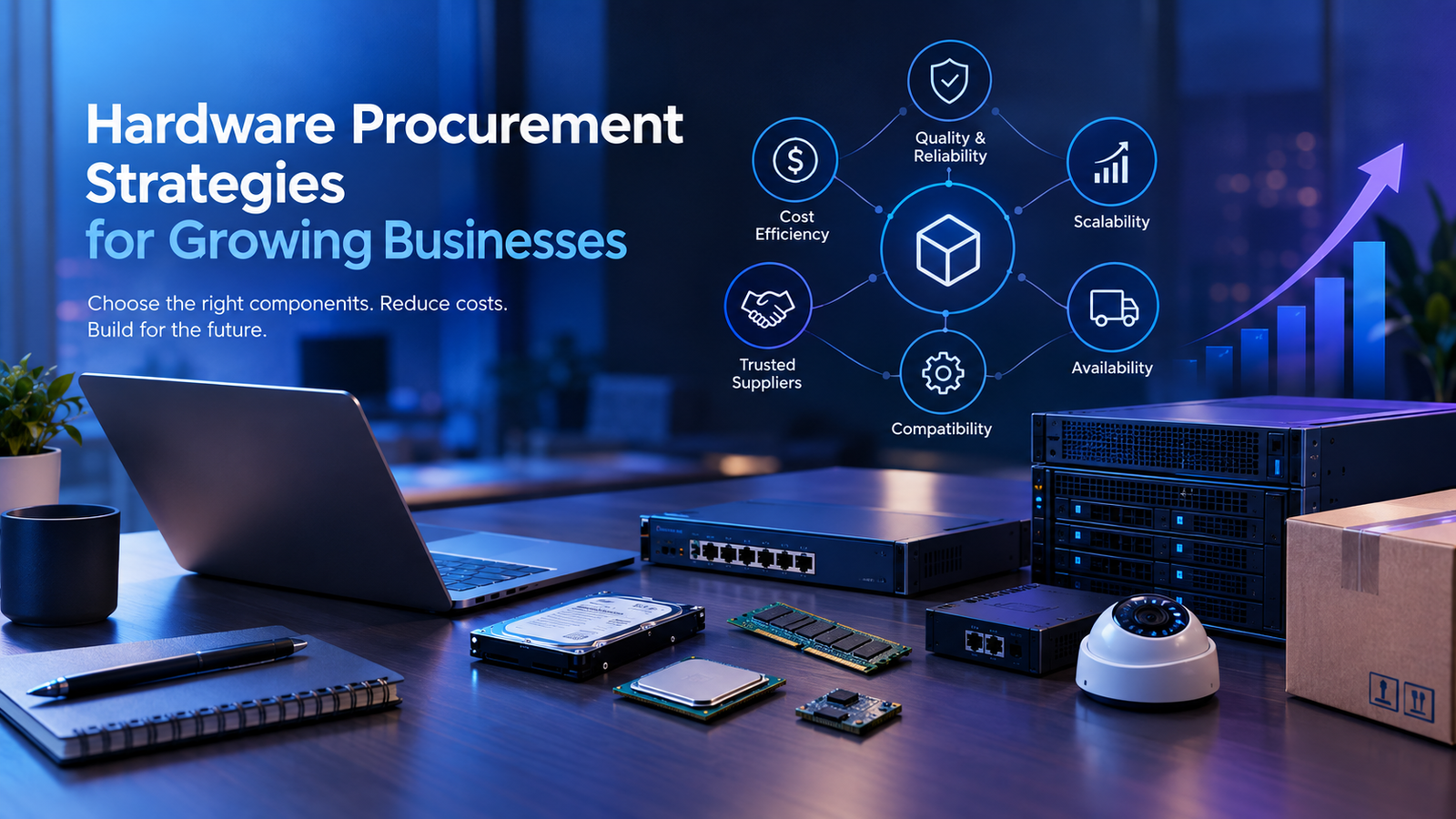
Businesses must evaluate component quality, supplier reliability, compatibility, availability, scalability, and after-sales support. A small mistake during procurement can lead to delays, unexpected costs, or equipment failures.
Therefore, businesses need a structured approach to hardware procurement.
In this guide, we explore practical hardware procurement strategies that can help growing businesses make informed purchasing decisions.
What Is Hardware Procurement?
Hardware procurement is the process of identifying, evaluating, purchasing, and managing the physical technology a business needs.
This process can include:
- Computers and laptops
- Servers and storage systems
- Networking equipment
- CCTV and security devices
- Routers and switches
- Embedded components
- Industrial hardware
- Power and backup systems
- Hardware accessories and peripherals
For growing businesses, procurement becomes more complex as requirements increase. As a result, companies need clear specifications and reliable suppliers before making large purchases.
Why Hardware Procurement Matters
The right hardware can support smooth operations and reduce unnecessary expenses. On the other hand, poorly selected equipment can create performance and maintenance problems.
Effective procurement helps businesses:
- Control hardware costs
- Improve system performance
- Reduce equipment downtime
- Maintain compatibility
- Simplify maintenance
- Plan future upgrades
- Manage inventory efficiently
Moreover, a reliable procurement strategy gives businesses better visibility into their technology investments.
1. Define Your Hardware Requirements
Before contacting suppliers, clearly define what your business needs.
Start by identifying the purpose of each device or component. For example, a design team may need high-performance workstations, while an office team may require standard business laptops.
Consider factors such as:
- Processing requirements
- Storage capacity
- Memory
- Connectivity
- Power consumption
- Operating environment
- Security requirements
- Expected usage period
Clear requirements make it easier to compare different hardware options.
They also prevent businesses from paying for specifications they do not actually need.
2. Compare Total Cost Instead of Purchase Price
The lowest purchase price does not always represent the lowest overall cost.
Businesses should consider the total cost of ownership (TCO). This includes the initial purchase price as well as maintenance, energy consumption, repairs, upgrades, installation, and replacement costs.
For example, a cheaper device may require frequent repairs or upgrades. A slightly more expensive alternative could provide better reliability and a longer service life.
Therefore, procurement teams should compare both upfront and long-term costs.
3. Evaluate Hardware Quality and Reliability
Hardware reliability is essential for businesses that depend on technology every day.
A component failure can interrupt operations, affect productivity, and increase maintenance costs.
Before purchasing hardware, review:
- Build quality
- Expected lifespan
- Manufacturer specifications
- Warranty coverage
- Failure rates, where available
- Environmental operating limits
- Service and replacement options
Additionally, businesses should check whether the hardware has been tested for the intended workload.
Reliable equipment can help reduce unexpected downtime and maintenance requirements.
4. Check Supplier Reliability
The supplier is just as important as the hardware itself.
A supplier should be able to provide accurate product information, consistent availability, technical support, and clear warranty terms.
When evaluating a hardware supplier, consider:
- Industry experience
- Product availability
- Delivery timelines
- Technical expertise
- Warranty support
- Replacement policies
- Communication
- Scalability
A dependable supplier can also help businesses respond faster when requirements change.
5. Verify Compatibility
Hardware compatibility should never be overlooked.
A new component may appear suitable but still create problems if it does not work correctly with existing systems.
Before purchasing, verify compatibility with:
- Operating systems
- Motherboards
- Servers
- Network infrastructure
- Software requirements
- Power systems
- Existing peripherals
- Security infrastructure
For larger projects, businesses should test critical components before placing bulk orders.
This approach can reduce integration problems later.
6. Plan for Future Growth
Businesses rarely remain the same size for long. As teams, customers, and operations grow, hardware requirements also change.
Therefore, procurement decisions should account for future expansion.
Ask questions such as:
- Can the hardware be upgraded?
- Can additional devices be added later?
- Will the supplier support larger orders?
- Are replacement components readily available?
- Can the infrastructure handle increased workloads?
Choosing scalable hardware can reduce the need for frequent replacements.
7. Consider Product Availability
Hardware availability can have a major impact on project timelines.
A component that is difficult to source may delay installation or production. In some cases, a business may also become dependent on a single supplier.
To reduce these risks, procurement teams should monitor:
- Stock availability
- Lead times
- Component lifecycle
- Supplier capacity
- Alternative products
- Replacement components
Businesses should also identify suitable alternatives for critical hardware before shortages occur.
8. Avoid Unnecessary Over-Specification
More powerful hardware is not always better.
For example, purchasing high-end equipment for basic office tasks can increase costs without providing meaningful benefits.
Instead, match specifications to actual workloads.
This means understanding how the equipment will be used today and how requirements may change over time.
A balanced procurement strategy focuses on performance, reliability, compatibility, and cost rather than specifications alone.
9. Negotiate for Larger Purchases
Growing businesses often have an opportunity to negotiate better procurement terms.
When purchasing hardware in larger quantities, discuss:
- Volume pricing
- Extended warranties
- Installation services
- Maintenance agreements
- Delivery schedules
- Replacement policies
- Technical support
However, price should not be the only negotiation point.
A supplier offering slightly higher pricing may provide stronger support, faster replacements, or better warranty coverage.
The goal should be to achieve better overall value.
10. Maintain a Hardware Inventory
Hardware procurement does not end after delivery.
Businesses should maintain an accurate inventory of purchased equipment. This makes it easier to track assets, warranties, maintenance schedules, and replacement requirements.
An inventory system can record:
- Device type
- Model number
- Serial number
- Purchase date
- Supplier
- Warranty period
- Location
- Assigned user
- Maintenance history
As a result, businesses gain better control over their hardware assets.
11. Build a Risk Management Plan
Hardware supply chains can face unexpected challenges. Component shortages, shipping delays, supplier changes, and discontinued products can affect procurement plans.
Businesses can reduce these risks by:
- Maintaining alternative suppliers
- Identifying substitute components
- Monitoring component lifecycles
- Keeping critical spare parts
- Reviewing supplier performance
- Planning purchases in advance
A proactive approach gives businesses more flexibility when market conditions change.
12. Review Hardware Performance Regularly
Procurement decisions should be reviewed after deployment.
Track how hardware performs in real-world conditions. If devices frequently experience failures or performance limitations, use that information to improve future purchasing decisions.
Regular reviews can help identify:
- Underperforming equipment
- Frequent failure points
- Maintenance costs
- Upgrade requirements
- Supplier issues
- Opportunities for standardization
Over time, this information can make hardware procurement more efficient.
Common Hardware Procurement Mistakes
Businesses can avoid many procurement problems by recognizing common mistakes.
Focusing Only on Price
The cheapest option may have higher maintenance or replacement costs.
Ignoring Compatibility
A component that does not integrate properly can create additional expenses.
Buying Without Future Planning
Hardware that meets today’s needs may become unsuitable as the business grows.
Depending on One Supplier
A single-source strategy can create risks during shortages or delivery delays.
Skipping Technical Evaluation
Procurement decisions should involve the people who understand the actual technical requirements.
Ignoring After-Sales Support
Warranty and replacement services can become critical when equipment fails.
A Practical Hardware Procurement Checklist
Before placing a hardware order, businesses can use this simple checklist:
- Define the required specifications
- Confirm compatibility
- Compare multiple suppliers
- Calculate total cost of ownership
- Check product availability
- Review warranty terms
- Evaluate supplier support
- Consider future scalability
- Identify alternative components
- Plan installation and maintenance
- Record the equipment in an inventory system
This checklist can make procurement more structured and reduce avoidable risks.
The Role of a Hardware Engineering Partner
For complex requirements, businesses may benefit from working with an experienced hardware engineering or procurement partner.
A capable partner can help with product selection, component sourcing, technical evaluation, supplier coordination, and infrastructure planning.
This becomes particularly useful when a project involves multiple hardware categories or requires customized solutions.
Instead of treating procurement as a simple purchasing activity, businesses can approach it as a strategic part of their technology planning.
Conclusion
Effective hardware procurement strategies help businesses balance cost, performance, reliability, and long-term requirements.
The right approach starts with clear specifications. From there, businesses should evaluate suppliers, verify compatibility, calculate total ownership costs, and plan for future growth.
Most importantly, hardware procurement should focus on long-term value rather than the lowest initial price.
With proper planning and reliable sourcing, businesses can build a hardware infrastructure that supports operational efficiency, scalability, and sustainable growth.
