
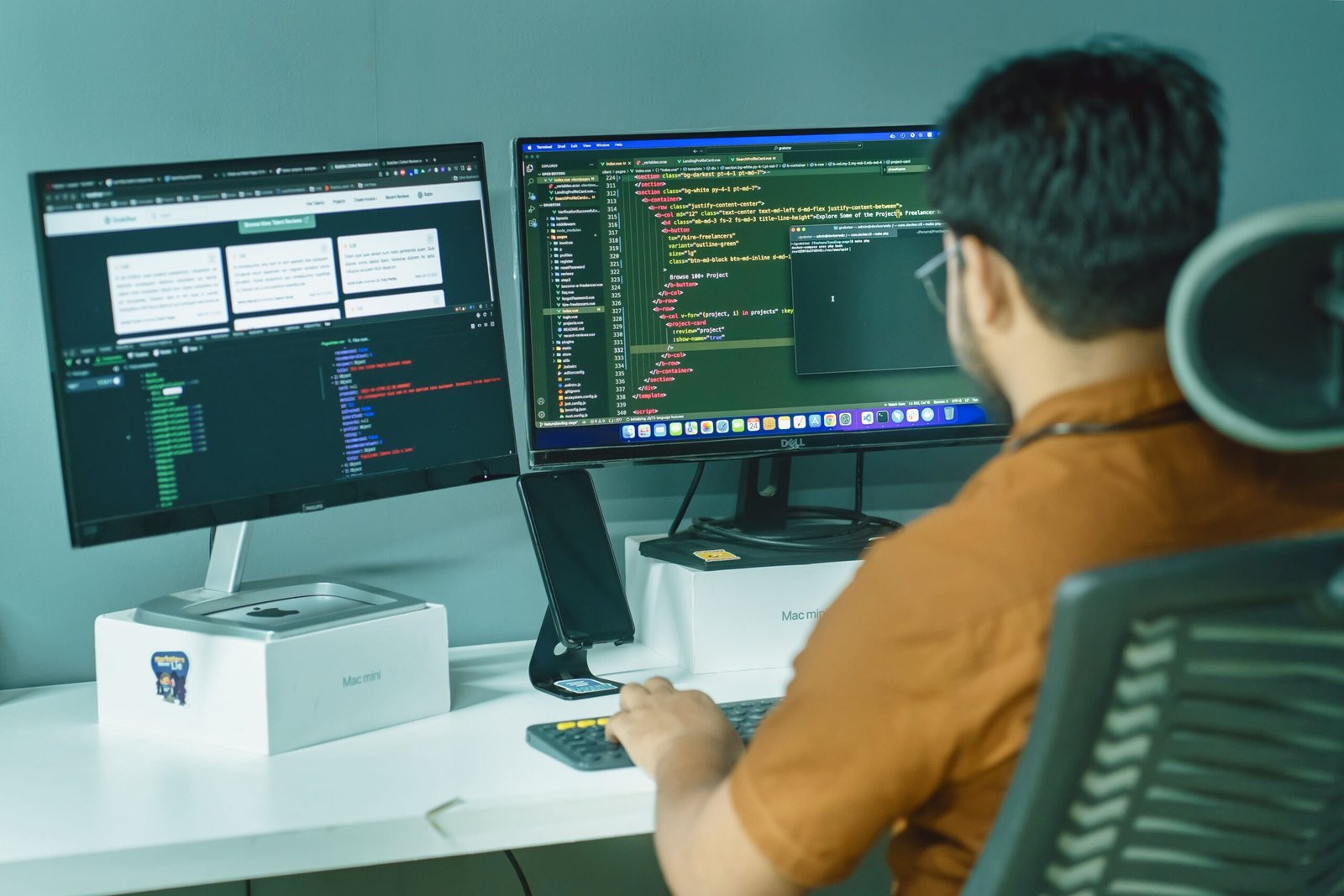
AI workstations have quietly become the most important purchase decision for developers and creators building serious AI-powered work in 2026. A laptop that handled coding and design just fine two years ago now buckles the moment a local model runs out of VRAM mid-training. As a result, a new generation of AI workstations has emerged, built specifically to handle local model training, fine-tuning, and creative AI workloads without depending entirely on the cloud. Here is what actually changed, and how to pick the right one.
Why AI Workstations Are Replacing the Cloud-Only Approach
For years, cloud GPUs were the default answer for anyone doing serious AI work. That default is shifting fast. According to industry surveys, roughly two-thirds of companies now prefer a hybrid approach, running some AI workloads locally and only sending the heaviest jobs to the cloud. Consequently, AI workstations capable of handling real workloads on-device have moved from a nice-to-have into a genuine requirement for many teams.
There are practical reasons behind this shift. Local AI workstations keep sensitive data on-premise instead of uploading it to a third party, which matters enormously for companies handling proprietary code or client data. Additionally, local hardware eliminates the recurring cost of cloud GPU rental, so the math often favors a strong workstation over months of pay-as-you-go compute. Finally, local iteration is simply faster, since there is no upload queue or shared-tenant latency standing between a developer and their next training run.
What Makes AI Workstations Different From a Regular PC
A standard desktop and a true AI workstation look similar on the outside, but the internals diverge sharply. Whereas a regular PC balances general performance across gaming, browsing, and office work, AI workstations are built around one priority: sustained GPU throughput for machine learning and generative AI tasks.
That priority changes everything about how the system is built. AI workstations lean on GPUs with large VRAM pools, since running or fine-tuning large language models depends far more on available memory than on clock speed. They also pair that GPU with high-core-count CPUs to keep data preprocessing pipelines from becoming a bottleneck, and they typically include far more system memory and faster storage than a typical creator or gaming PC would ever need.
The Core Hardware Inside 2026 AI Workstations
Every serious AI workstation in 2026 is built around four components working together. Understanding each one makes it much easier to choose the right build for your actual workload.
GPU: The Heart of Every AI Workstation
The graphics card remains the single most important component in any AI workstation, since nearly every modern AI framework leans heavily on GPU acceleration. NVIDIA’s RTX 5090, with 32GB of GDDR7 memory, has become the go-to choice for developers fine-tuning mid-sized models and running quantized inference on larger ones. For research-grade work, the RTX PRO 6000 Blackwell Edition pushes that ceiling to 96GB of VRAM, enough to train large custom models from scratch rather than just fine-tune existing ones.
CPU: Keeping the Pipeline Moving
While the GPU handles the heavy lifting, the CPU quietly determines how smoothly everything around it runs. High-core-count chips like AMD’s Ryzen 9 9950X or Threadripper PRO series excel at data preprocessing tasks that feed GPU-side training jobs, so a weak CPU can leave an expensive GPU sitting idle waiting for data. Therefore, developers building serious AI workstations increasingly treat CPU selection as a real decision rather than an afterthought.
Memory and Storage: The Overlooked Bottleneck
System memory in AI workstations now regularly starts at 64GB and climbs to 128GB or more for research-focused builds, since large datasets and model checkpoints eat through RAM quickly. Meanwhile, fast NVMe storage matters just as much, since slow disk speeds can stall dataset loading and checkpoint saving even on an otherwise powerful machine.
A New Category: The Personal AI Supercomputer
One of the biggest shifts in 2026 arrived with NVIDIA’s DGX Spark, a compact desktop system built around the Grace Blackwell Superchip. Unlike a traditional AI workstation built from separate consumer parts, DGX Spark packs a petaflop of AI performance and 128GB of unified memory into a form factor small enough for a desk, letting developers run inference on models up to 200 billion parameters and fine-tune models up to 70 billion parameters entirely locally. As a result, partners including Acer, ASUS, Dell, HP, Lenovo, and MSI have all launched their own DGX Spark-based systems, effectively creating a new tier of AI workstation between consumer GPU builds and full data center hardware.
Budget Tiers: Which AI Workstation Fits Your Work
Not every developer or creator needs the same AI workstation, and budget tiers in 2026 map fairly cleanly onto real workflow needs.
Entry-level AI workstations, built around a 16GB GPU like the RTX 5070 Ti paired with a Ryzen 9 processor and 64GB of RAM, remain genuinely capable for developers running 7B to 32B parameter local models or using AI coding assistants daily. This tier typically lands between $3,500 and $5,000, depending on storage and cooling.
Professional-tier AI workstations step up to the RTX 5090 with 32GB of VRAM, usually paired with 64GB to 128GB of DDR5 memory and PCIe 5.0 storage. This configuration, generally priced around $7,500, handles fine-tuning larger models and quantized inference up to roughly 70 billion parameters.
Research-grade AI workstations push further still, often pairing an RTX PRO 6000 or dual-GPU configuration with a Threadripper PRO or Xeon CPU and up to 256GB of system memory. These builds, which can run past $14,000, exist for teams training large custom models entirely from scratch rather than adapting existing ones.
AI Workstations for Developers vs Creators
Although developers and creators often shop from the same hardware pool, their priorities inside an AI workstation differ in meaningful ways.
Developers building AI applications, running local LLM inference, or using AI-assisted coding tools generally prioritize VRAM capacity and sustained multi-hour uptime over raw peak performance, since long training runs need stability more than they need a few extra frames of headroom anywhere else. Creators, meanwhile, often split their workload between GPU-accelerated rendering, AI-powered upscaling, and real-time editing, so a strong balance between GPU and CPU performance tends to matter more than maximizing VRAM alone.
Space-conscious professionals in both camps have another option worth considering. Compact systems like AMD’s Ryzen AI Halo mini-PCs pair a capable NPU and GPU with unified memory up to 128GB, making them a strong fit for edge AI development and inference work without the footprint of a full tower.
Prebuilt vs Custom AI Workstations
Choosing between a prebuilt system and a custom build genuinely depends on how much time you want to spend tuning hardware instead of using it.
Prebuilt AI workstations from Dell’s Precision line or HP’s Z series appeal to enterprise teams that need ISV certification, ECC memory support, and vendor support contracts, particularly in regulated industries where compliance matters as much as raw speed. On the other hand, a custom-built AI workstation gives individual developers and small studios more control over exact component choices, often at a lower price for the same specifications, though it requires handling BIOS tuning and CUDA or PyTorch validation without a vendor safety net.
Final Thought
AI workstations have moved from a niche research tool into standard equipment for any developer or creator doing serious AI work in 2026. Picking the right one comes down to matching GPU VRAM, CPU throughput, and memory capacity to your actual workload rather than simply chasing the biggest number on a spec sheet. Whether that means a $3,500 entry-level build, a compact DGX Spark-class desktop supercomputer, or a $14,000 research rig, the right AI workstation ultimately pays for itself through faster iteration, better data privacy, and freedom from ongoing cloud compute bills.
Want to see how this fits into the broader shift toward specialized AI hardware? Read our guide to the Neuromorphic chips 2026 next.
