
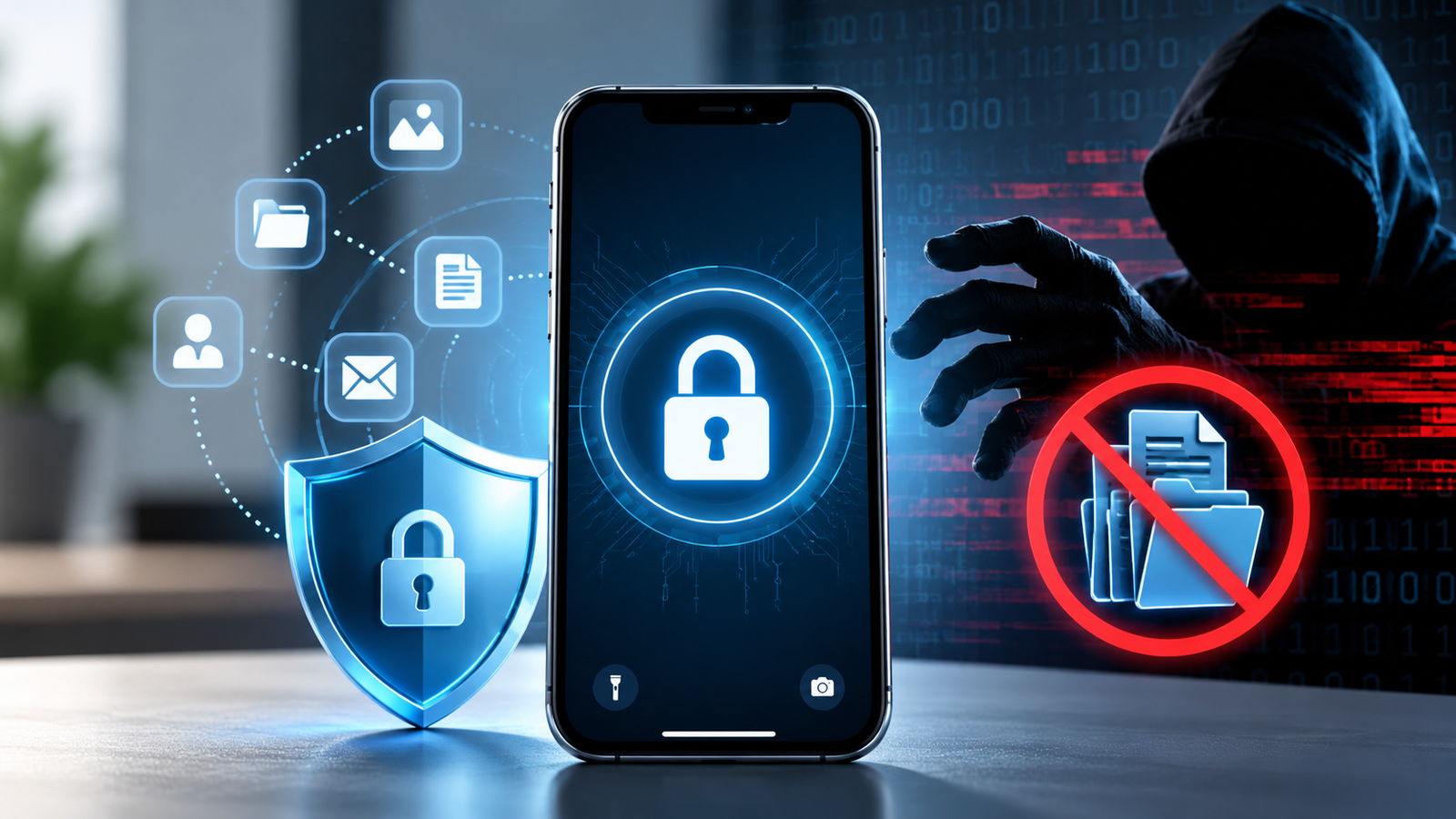
Can someone steal data from a locked phone or laptop? It is a common cybersecurity concern, especially when a device is lost, stolen, or left unattended.
A screen lock is an important security layer, but it is not the only protection a device should have. Modern smartphones use encryption, secure hardware, authentication controls, and application-level protections to make unauthorized data access much harder.
However, “locked” does not always mean “impossible to access.” The level of protection depends on the device, operating system, encryption settings, software version, physical condition, and the type of attack involved.
For example, Apple uses Data Protection to control when files can be decrypted, while Android uses the device screen lock as part of its protection for certain sensitive information. Apple Support
So, can someone steal data without unlocking a device?
Yes, in some circumstances—but accessing properly protected modern devices can be extremely difficult.
What Happens When You Lock a Device?
When you lock a smartphone, the operating system restricts access to applications, files, accounts, and other sensitive information.
But a device does not necessarily stop working completely.
Some background processes can continue while the device is locked. For example, certain notifications, network functions, alarms, or background tasks may still operate.
The important question is:
Can an unauthorized person access the protected data behind those functions?
That depends largely on the device’s security architecture.
Modern devices can combine:
- Screen locks
- Encryption
- Secure hardware
- Authentication
- Application-level security
- Remote-wipe capabilities
- Account protection
- Biometric authentication
Together, these controls create multiple security layers.
Does a Screen Lock Encrypt Your Data?
A screen lock and encryption are related, but they are not exactly the same thing.
A PIN, password, or pattern prevents normal users from opening the device. Encryption protects the underlying data so that simply obtaining the storage does not automatically provide readable information.
Modern mobile platforms use hardware-backed security and encryption to strengthen this protection.
On Android, the screen lock can be used to protect sensitive information such as saved passwords and certain location data. Google states that the PIN, pattern, or password remains on the device and is not shared with Google services. Google Help
Apple’s Data Protection system uses different protection classes to determine when specific files can be accessed. Some protected data becomes inaccessible when the device is locked until the user authenticates again. Apple Support
This means that stealing the physical device does not automatically mean stealing all the information stored on it.
Can Someone Extract Data From a Locked Phone?
This is where the situation becomes more complicated.
Digital forensics has long included methods for examining devices that are locked or otherwise obstructed. NIST describes mobile-device forensic techniques for acquiring information from devices that require authentication. NIST Computer Security Resource Center
However, the effectiveness of these techniques varies significantly.
Factors can include:
- Device model
- Operating-system version
- Security updates
- Encryption configuration
- Whether the device has been unlocked since restarting
- Available vulnerabilities
- Hardware security features
- Whether data exists outside the protected storage
- The forensic tools available
Older devices may have weaker protections than newer ones.
Newer devices increasingly use hardware-backed security, making unauthorized extraction more difficult.
Apple, for example, uses the Secure Enclave and hardware-based cryptographic mechanisms to protect device-specific secrets and encryption keys. Apple Support
What Is Mobile Device Forensics?
Mobile device forensics is the process of recovering and analyzing digital evidence from mobile devices using controlled and forensically sound procedures.
Law-enforcement agencies, security teams, and forensic investigators may use specialized tools to examine devices during legitimate investigations.
NIST describes mobile device forensics as the recovery of digital evidence under forensically sound conditions, including the preservation, acquisition, examination, analysis, and reporting of digital information. NIST
A locked device can make this process considerably more difficult.
Importantly, forensic access does not mean that every locked device can simply be unlocked.
Modern encryption and hardware security can prevent access to protected information even when an investigator has physical possession of the device.
What Information Could Still Be Exposed?
Even when the main storage is strongly protected, some information may potentially be exposed depending on the device and its configuration.
Examples can include:
1. Lock-Screen Notifications
If notifications are configured to show message previews, someone holding the device may see information without opening the phone.
This is one of the simplest ways sensitive information can leak.
For example:
“Your bank verification code is 482913.”
A person may not need to unlock the device if the full notification is visible.
2. Information From Connected Devices
A device may interact with:
- Smartwatches
- Bluetooth accessories
- Computers
- Vehicle systems
- Cloud services
These connections can create additional security considerations.
The device itself may remain locked while information is exposed through another connected system.
3. Cloud Accounts
Sometimes the biggest risk is not the physical device.
If an attacker obtains access to a person’s cloud account, they may be able to access synchronized information without directly unlocking the stolen phone.
Depending on the service, synchronized information may include:
- Photos
- Contacts
- Documents
- Backups
- Passwords
- Messages
- Location information
This is why protecting the associated account is just as important as protecting the device.
4. External Storage
Some devices can use removable storage.
Historically, removable storage could contain information that was not protected as strongly as internal device storage. NIST has specifically noted that removable storage can contain unencrypted or less-protected information in some environments. NIST Publications
Modern security practices should therefore consider both internal and removable storage.
Can Hackers Bypass a Phone Lock?
The word “bypass” can make device security sound simpler than it really is.
There is no universal method that works against every modern smartphone.
Security researchers and forensic specialists may discover vulnerabilities that affect specific devices or software versions. Some attacks may also target components outside the normal lock-screen interface.
However, these techniques are often:
- Device-specific
- Version-specific
- Difficult to perform
- Dependent on particular vulnerabilities
- Limited by encryption
- Patched through security updates
NIST’s mobile forensics guidance notes that techniques for obstructed devices can involve software, hardware, or investigative approaches, but their applicability varies significantly between devices and models. NIST Publications
Therefore, the idea that “a locked phone can always be hacked” is misleading.
What About Physical Access to the Storage?
A common misconception is:
“If someone removes the storage chip, they can simply read everything.”
Modern security architectures make this assumption unreliable.
On supported Apple devices, encryption keys are tied to device-specific hardware. Apple explains that its Secure Enclave and AES hardware engine help protect encryption keys and that certain device-specific secrets cannot simply be extracted through debugging interfaces. Apple Support
This means that physically obtaining storage does not necessarily provide readable access to the underlying files.
Encryption can make the difference between:
having the storage and having the ability to understand the data stored on it.
What Happens After a Device Is Restarted?
A restart can actually strengthen the protection of sensitive data.
Some devices use different security states before and after the first successful authentication following a reboot.
For example, Apple describes a protection class in which protected files remain inaccessible until the user authenticates after the device starts. Apple Support
This is one reason security professionals often distinguish between:
Before First Unlock (BFU)
and
After First Unlock (AFU).
The security state can influence which data is accessible to the operating system and which cryptographic keys are available.
Is Biometric Authentication Enough?
Biometric authentication such as:
- Face recognition
- Fingerprint recognition
- Face ID
- Touch ID
can make everyday authentication convenient.
However, users should still have a strong passcode or password.
The underlying authentication system is part of a larger security architecture.
For example, Apple’s security design uses the Secure Enclave to protect sensitive authentication and cryptographic operations. Apple Support
Some situations may also require the device passcode instead of biometric authentication.
Therefore:
Biometrics should complement a strong passcode, not replace good security practices.
What If the Device Is Lost or Stolen?
This is where preparation matters most.
If someone steals your phone, the goal should not be to assume that the thief will never access it.
Instead, build multiple layers of protection.
Use a strong passcode
Avoid:
- 1234
- 0000
- Your birth year
- Simple patterns
- Repeated numbers
A longer, unpredictable passcode is much harder to guess.
Enable device encryption
Modern iOS and Android devices provide strong encryption capabilities.
Keep your operating system updated so that you receive security improvements and vulnerability fixes.
Enable remote-location and remote-wipe features
Services such as Apple’s Find My and Google’s device-finding features can help users locate, lock, or erase a lost device where supported.
The FBI also recommends enabling remote-wipe capabilities for devices in case they are lost or stolen. FBI
Hide sensitive notification previews
This is an often-overlooked security setting.
Instead of showing:
“Your bank OTP is 739201”
on the lock screen, configure notifications so sensitive content is hidden until the device is unlocked.
Protect your primary accounts
Your email account can be especially important.
If an attacker gains access to your email, they may be able to reset passwords for other services.
Use:
- Strong passwords
- Two-factor authentication
- Passkeys where available
- Account recovery protections
Keep the operating system updated
Security vulnerabilities are continuously discovered and patched.
Delaying updates can leave a device exposed to vulnerabilities that have already been addressed by the manufacturer.
What About Spyware?
There is another category of threat that should not be confused with physically stealing data from a locked device.
Spyware can compromise a device while it is in use and potentially expose information without the attacker physically taking the device.
Highly sophisticated spyware attacks can target vulnerabilities in operating systems or applications.
Apple’s Lockdown Mode, for example, is designed to reduce the attack surface for users who may face highly sophisticated targeted attacks. Apple
For most people, however, the more common risks are much simpler:
- Weak passwords
- Phishing
- Malicious applications
- Stolen accounts
- Unpatched software
- Unsafe Wi-Fi
- Excessive permissions
Can Someone Steal Data Without Touching the Device?
Yes.
This is an important distinction.
Physical access is not always required to steal data.
An attacker may attempt to obtain information through:
- Phishing
- Malware
- Compromised accounts
- Malicious applications
- Social engineering
- Cloud-account compromise
- Unsecured networks
- Stolen authentication credentials
Therefore, device security should be viewed as a complete system.
A strong screen lock protects the physical device, but it cannot compensate for a compromised online account.
How to Protect Your Device From Data Theft
A strong device-security strategy should include several layers.
1. Use a strong screen lock
Choose a long and difficult-to-guess PIN or password.
2. Enable encryption
Use the encryption features provided by your operating system.
3. Keep your software updated
Install operating-system and security updates promptly.
4. Enable two-factor authentication
Protect important online accounts with an additional authentication factor.
5. Review lock-screen notifications
Hide sensitive message previews.
6. Avoid unknown applications
Download applications from trusted sources and review permissions carefully.
7. Enable remote device protection
Use your platform’s device-finding and remote-wipe capabilities.
8. Protect cloud accounts
Secure the accounts that synchronize your photos, files, contacts, and other information.
9. Avoid rooting or jailbreaking
Changing the security architecture of a device can weaken some built-in protections. The FBI specifically advises users not to root or jailbreak devices because doing so can compromise the security architecture. FBI
10. Back up important information securely
A secure backup can reduce the impact of device loss or theft.
Can a Locked Device Ever Be Completely Secure?
No security system should be described as absolutely impossible to break.
Security depends on:
- Hardware
- Software
- Configuration
- User behavior
- Vulnerabilities
- Updates
- Authentication
- Encryption
However, modern smartphones are designed with multiple security layers specifically to make unauthorized access difficult.
For example, Apple’s Secure Enclave architecture protects cryptographic keys and sensitive security operations, while Android uses the device screen lock as part of protection for certain sensitive data. Google Help
The result is a much stronger security model than simply relying on a four-digit PIN.
The Difference Between “Locked” and “Encrypted”
These terms are sometimes used interchangeably, but they mean different things.
| Security Feature | Main Purpose |
|---|---|
| Screen Lock | Prevents normal unauthorized access |
| Password/PIN | Authenticates the user |
| Encryption | Protects stored data from unauthorized reading |
| Secure Hardware | Protects cryptographic keys and sensitive operations |
| Biometrics | Provides convenient user authentication |
| Two-Factor Authentication | Protects online accounts |
| Remote Wipe | Removes data from a lost or stolen device |
| Application Security | Protects data inside individual apps |
The strongest protection comes from using these layers together.
Frequently Asked Questions
Can someone access a locked phone?
It can be possible in certain circumstances, particularly when vulnerabilities or weak security configurations exist. However, modern devices use encryption and hardware-backed security that can make unauthorized access extremely difficult.
Can someone steal photos from a locked phone?
Normally, strong device encryption and access controls are designed to prevent unauthorized access to protected photos. However, photos may also exist in cloud backups or synchronized accounts, which creates additional security considerations.
Can hackers access a phone without the PIN?
Some attacks may exploit vulnerabilities that do not require normal PIN entry. However, there is no universal method that works on every modern smartphone.
Does a password protect phone data?
A password or PIN helps authenticate the user and can be integrated into the device’s data-protection system. Android and Apple both use authentication as part of their broader security architecture. Apple Support
Can data be stolen from a switched-off phone?
A powered-off device generally provides stronger protection because many device secrets are not available to normal software until the device starts and authentication occurs. The exact behavior depends on the platform and security architecture.
Can a thief access data through the SIM card?
A SIM card may contain limited information, depending on the carrier and device configuration. It should not be treated as equivalent to the encrypted internal storage of a modern smartphone.
Is biometric security safer than a PIN?
Biometrics can provide strong and convenient authentication, but they work as part of a broader security system. A strong passcode remains important.
Final Thoughts
Can someone steal data from a device without unlocking it?
The answer is sometimes, but not easily on a properly secured modern device.
A locked device is protected by more than a screen.
Encryption, secure hardware, authentication, operating-system protections, and application security work together to protect sensitive information.
At the same time, users should remember that physical device security is only one part of cybersecurity. A stolen cloud password, malicious application, phishing attack, or compromised account can expose information even when the physical device itself remains locked.
The best approach is therefore simple:
Use a strong passcode, enable encryption, keep your device updated, protect your accounts, hide sensitive lock-screen notifications, and enable remote-wipe features.
A device may be lost or stolen. Your data should still remain protected.
