
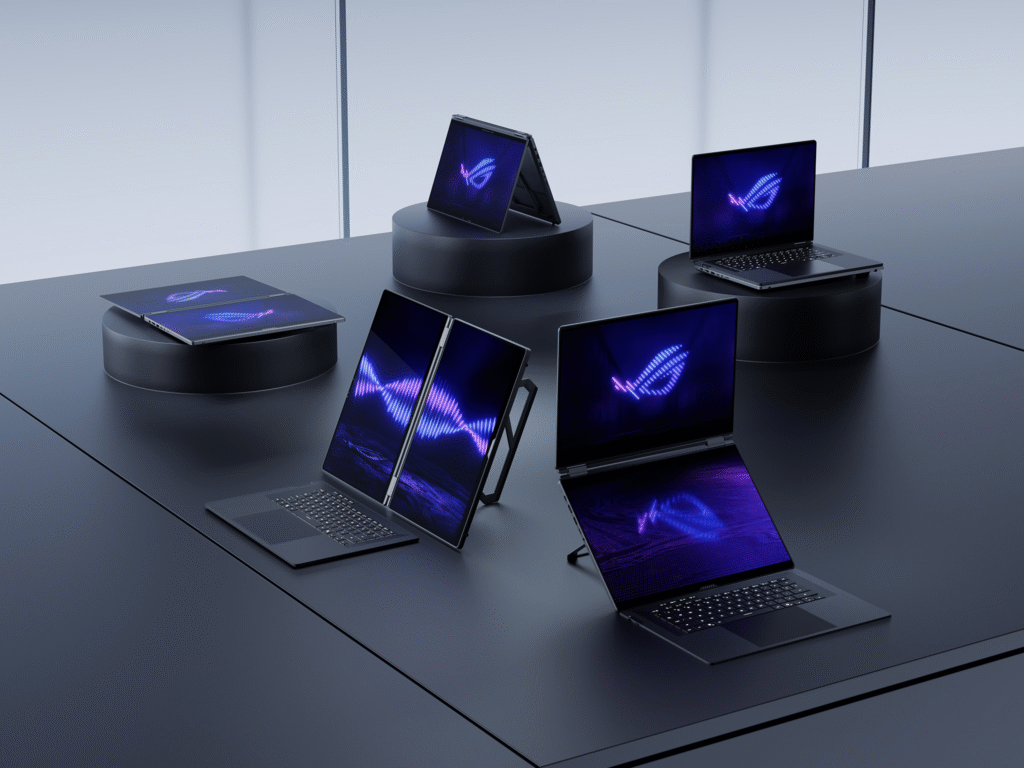
AI-powered gaming laptops are changing what gamers can expect from a portable machine. For years, strong performance meant loud fans, hot chassis, and short battery life. That trade-off is starting to disappear. Manufacturers now build on-device AI chips into gaming laptops to optimize thermal settings, sharpen visuals with DLSS 4, and even anticipate user input. These upgrades boost battery life, multitasking, and overall performance at once.
Smarter thermal management
Cooling isn’t just bigger fans anymore. Design still matters, though. Newer laptops use redesigned keyboards for better airflow, thin heatsink fins, and higher-blade-count fans that pull in noticeably more air than earlier models. Some systems shut fans off completely during light tasks, then ramp up only when workloads demand it.
Dedicated NPUs (Neural Processing Units) now handle much of this thermal decision-making in real time. These chips deliver between 40 and 80 TOPS. AMD Ryzen AI and Qualcomm Snapdragon X Elite processors have pushed local AI performance far beyond earlier laptops. Heat control stays strong even under heavy workloads.
DLSS 4 and AI-driven visuals
Nvidia’s AI push runs deep into the GPU itself. Over 800 games and apps now use RTX technology for realistic graphics and fast performance, with DLSS 4 as a key AI feature behind it. Efficiency matters just as much as raw power here. NVIDIA Blackwell Max-Q targets a major leap in both performance and battery life, not power alone.
AMD is moving the same direction. The company has confirmed it’s shifting FSR 4 fully toward machine learning-based upscaling. AMD expects handheld gaming PCs to see a real battery life boost from AI-based frame interpolation.
Battery life: the biggest win for gamers
This is the change most gamers will actually feel. Battery efficiency has improved sharply across AI-powered laptops, with some models now reaching up to 22 hours of use. Flagship gaming laptops back this up with real hardware. One current 16-inch model pairs its AI silicon with a 90Wh battery that fast-charges from 0–50% in just 30 minutes.
What to look for when buying
- Choose Blackwell Max-Q or similarly efficiency-tuned GPUs if battery life matters as much as frame rate.
- Check the NPU’s TOPS rating. Higher numbers usually mean more local AI headroom for cooling and upscaling.
- Don’t skip chassis design. AI helps with efficiency, but airflow and heatsink engineering still set the performance ceiling.
For background on why new GPU hardware has been so scarce this year, read our related post, GPU News and Leaks: TechPowerUp vs VideoCardz.
If you want deeper specs on a current AI gaming laptop, check out the ASUS ROG Zephyrus G16 (2026) for a real-world example of these technologies in action.
Bottom line
AI-powered gaming laptops no longer force gamers to choose between performance and portability. Smarter NPUs, efficient GPUs, and better cooling design now work together. The result: cooler laptops, smoother visuals, and batteries that finally last.
