
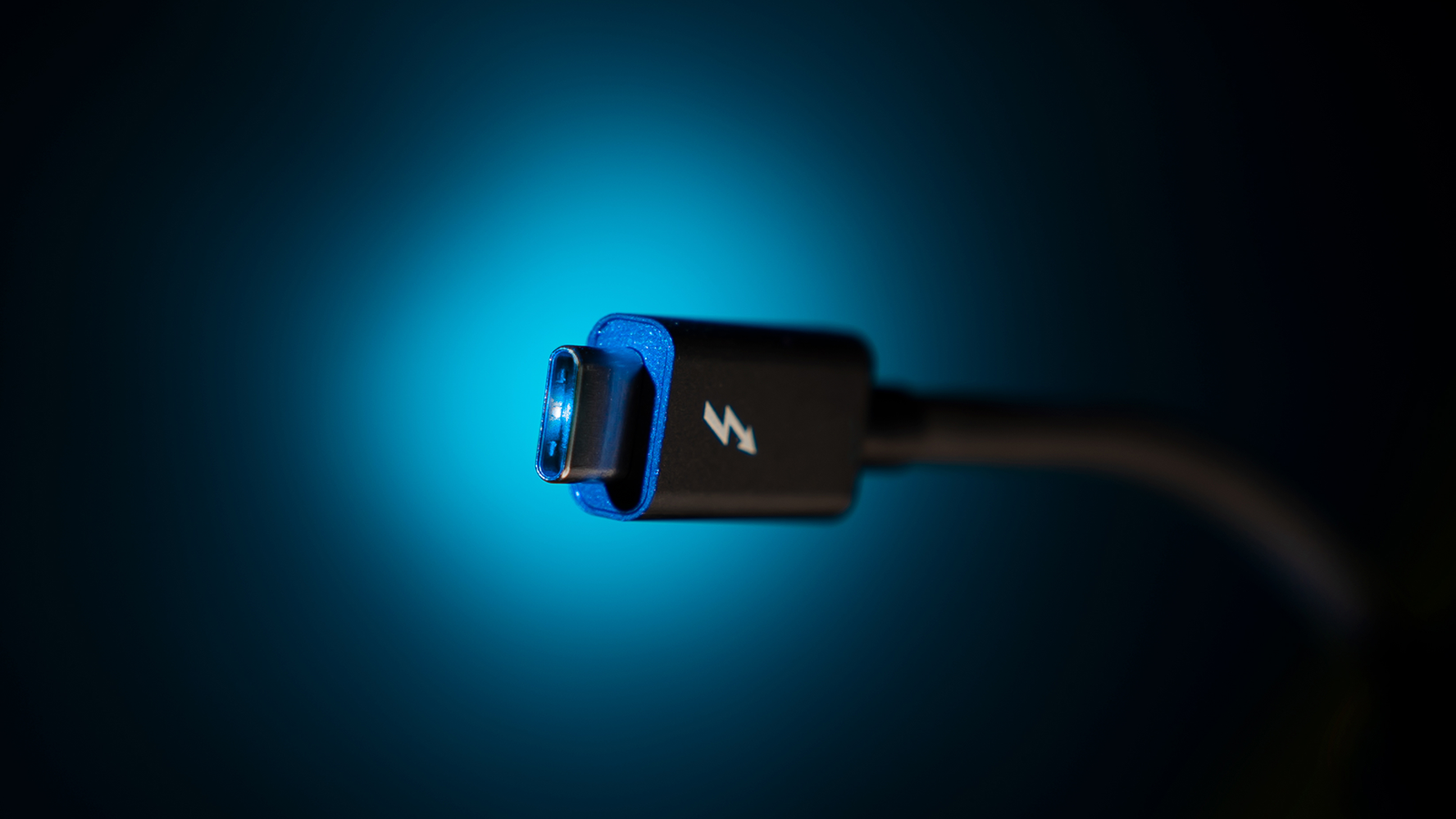
USB4 Version 2 is the update that finally lets USB-C compete with dedicated video and storage interconnects on raw speed. The USB Implementers Forum published the USB4 Version 2 specification in October 2022, doubling the original USB4 spec’s bandwidth from 40Gbps to a full 80Gbps. In certain display-heavy setups, USB4 Version 2 can even push 120Gbps in one direction while keeping 40Gbps available in the other. So even though the standard has been around for a few years now, most people are only just starting to see USB4 2 ports show up on new laptops and docks.
In this article, we will explain exactly what USB4 Version 2 changes, how it differs from the original USB4 spec, and what it means for your next cable or dock purchase.
What Is USB4 Version 2?
USB4 Version 2 is a major revision of the USB4 standard that doubles maximum bandwidth while keeping the same familiar USB-C connector. Rather than introducing a new physical port, USB4 2 relies on a new signaling method called PAM3, which packs more data into each signal transition than the older encoding USB4 originally used. Because of that change, the same USB-C cables and connectors can carry significantly more data without redesigning the plug itself.
Importantly, USB4 2 stays backward compatible with older USB standards. So plugging an older USB-C device into a USB4 2 port still works fine; you simply will not get the extra bandwidth until both ends support the newer spec.
How Fast Is USB4 Version 2?
80Gbps Bidirectional Bandwidth
At its core, USB4 2 supports up to 80Gbps of bidirectional data across four lanes, which is double the 40Gbps ceiling of the original USB4 specification. This works over existing 40Gbps USB4 passive cables as well as new active cables designed specifically for the higher rate.
Up to 120Gbps for Displays
Interestingly, USB4 2 also includes an optional asymmetric mode built for demanding use cases like high-resolution monitors. In that mode, three of the four lanes carry data in one direction, delivering up to 120Gbps for output while still keeping 40Gbps available for the reverse direction. As a result, USB4 2 can drive extremely high-resolution displays without needing a separate video cable at all.
Better Data Protocol Efficiency
Beyond raw speed, USB4 Version 2 also introduces Enhanced SuperSpeed USB tunneling, which guarantees at least 20Gbps specifically for data transfer, separate from whatever bandwidth is reserved for display or PCIe traffic. This matters because, on earlier USB4 ports, a lot of the advertised bandwidth was often eaten up by display signals, leaving less than expected for external drives.
USB4 Version 2 vs. the Original USB4 Spec
The clearest way to think about it: USB4 2 does for USB4 roughly what PCIe 5.0 did for PCIe 4.0, doubling bandwidth on the same physical connector. Both generations use USB-C, both remain backward compatible, and both scale gracefully depending on which cable and device you pair together. However, USB4 2 also aligns with the latest DisplayPort 2.1 and PCIe 4.0 standards, meaning external GPU setups and high-end monitors benefit even beyond the headline bandwidth increase.
Do You Need USB4 Version 2 Right Now?
Honestly, most everyday tasks like file transfers and everyday external drives still run comfortably on standard USB4 or even USB 3.2. That said, if you regularly work with external GPUs, high-resolution multi-monitor setups, or extremely fast external SSDs, USB4 is worth seeking out specifically. Just remember that you will need certified USB4 2 cables and ports on both ends to actually hit those higher speeds.
If you are already planning a broader system upgrade, it is worth pairing this research with what is happening on the memory side too. Our breakdown of DDR6 memory and everything we know so far covers the next RAM generation that is likely to land on the same future motherboards as USB4 2 ports.
Final Thoughts
USB4 Version 2 quietly closes the gap between a simple USB-C port and a genuinely high-performance interconnect, doubling bandwidth without asking you to learn a new connector shape. It is not something every user needs today, but as external GPUs, high-refresh monitors, and ultra-fast SSDs become more common, USB4 Version 2 is quickly becoming the standard worth checking for on your next laptop or dock.
