
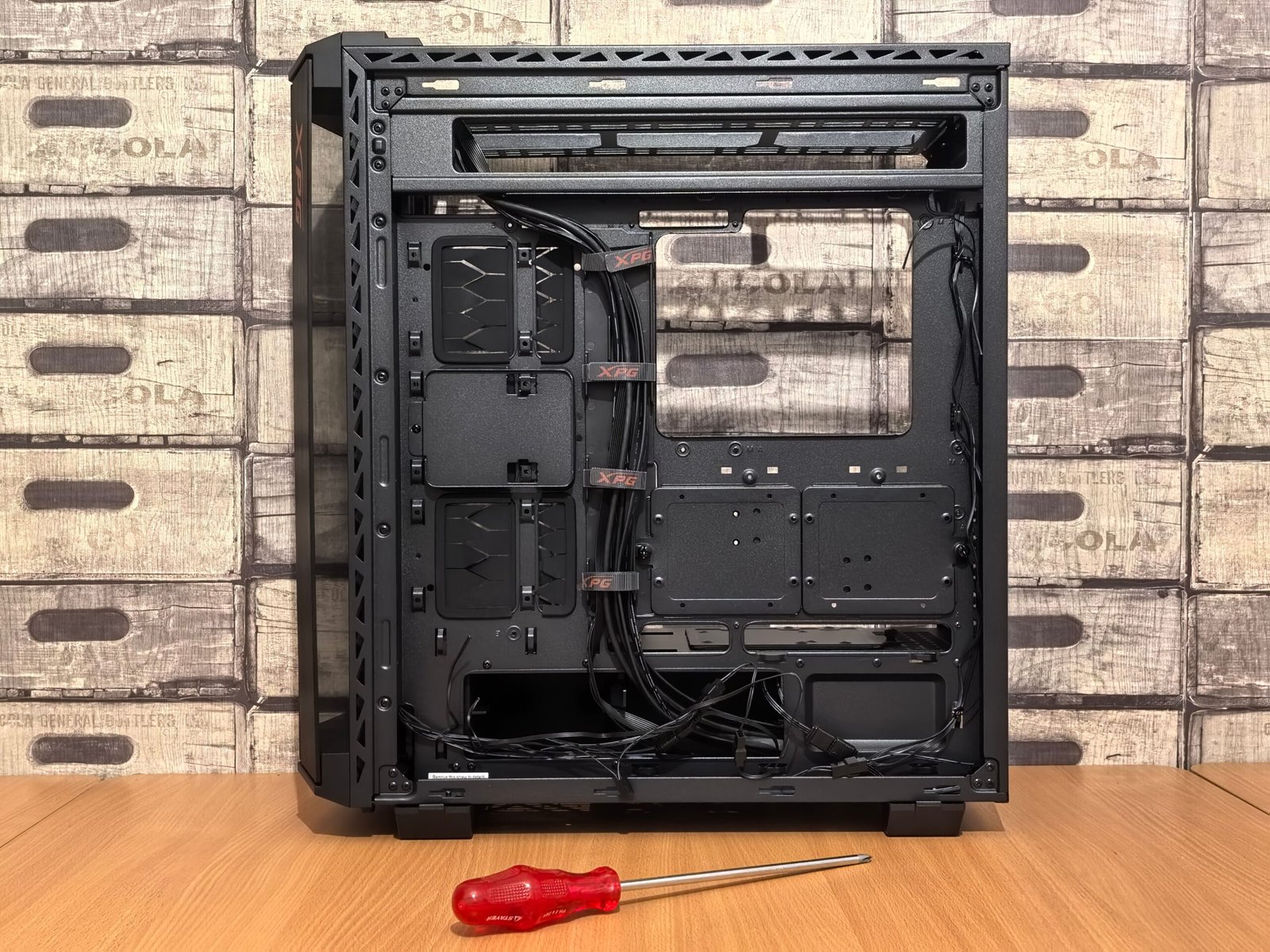
Tool-free PC building has moved from a nice-to-have feature to an expectation. A few years ago, building a PC meant keeping a screwdriver within arm’s reach at all times. That is changing fast. Modern cases now let you remove panels, swap drives, and even mount fans without touching a single tool. This shift makes PC building faster, friendlier, and far less intimidating for newcomers.
In this article, we will cover what tool-free PC building actually includes, which components benefit most, and why the trend is accelerating right now.
What Is Tool-Free PC Building?
Tool-free PC building means assembling or upgrading a PC using latches, thumbscrews, and quick-release mechanisms instead of a screwdriver. It started small. Early cases simply replaced a few screws with hand-turned thumbscrews on side panels. Today, tool-free PC building goes much further. Drive bays, cable channels, and even GPU brackets now use snap-in designs.
The goal is simple. Builders should be able to open a case, swap a part, and close it back up in minutes. No searching for the right screwdriver bit. No stripped screws. Just quick, repeatable access whenever you need it.
Why Tool-Free PC Building Is Spreading So Fast
Side Panels Lead the Way
Side panels were the first place tool-free PC building really took hold. Many modern cases let you pop the side, top, and front panels off in seconds. There is no need for a screwdriver at all. This alone saves real time during builds, especially when you are test-fitting components or troubleshooting a cable routing issue.
Drive Bays Are Catching Up
Storage used to be one of the most annoying parts of any build. Tiny screws. Awkward angles. Not anymore. Many current cases use tool-free drive trays that simply click a 2.5-inch or 3.5-inch drive into place. This change alone has made storage upgrades dramatically faster for everyday builders.
GPU Installation Gets Simpler Too
Graphics cards are heavy, and mounting them used to require careful screw alignment every time. Newer cases address this with tool-free GPU brackets and PCIe risers that lock into place without a screwdriver. That matters even more now, since flagship GPUs keep getting larger and heavier each generation.
Does Tool-Free Design Sacrifice Build Quality?
This is the fair question skeptics usually ask. The honest answer is, it depends on the case. Budget models sometimes cut corners elsewhere to afford tool-free mechanisms, which can mean fewer cable channels or thinner side panels. Premium cases, however, manage to combine tool-free convenience with genuinely solid build quality. Reviewers consistently praise higher-end cases for panel removal that feels premium, with satisfying clicks rather than flimsy give.
So tool-free PC does not automatically mean lower quality. It simply means manufacturers had to get smarter about engineering, not lazier about it.
Getting the Most Out of Tool-Free PC Building
Tool-free convenience pairs naturally with other upgrade-friendly hardware trends. If you like the idea of swapping parts without a struggle, you will likely appreciate similar thinking applied elsewhere. Our guide to modular laptops becoming practical covers how that same philosophy is now reshaping laptops, not just desktop cases.
Final Thoughts
Tool-free PC building has quietly become one of the most user-friendly shifts in PC hardware in years. Panels click into place. Drives snap in without screws. Even GPUs mount more easily than before. None of this sacrifices performance, and much of it actually improves the overall build experience. If your next case or upgrade offers tool-free features, it is worth taking seriously, especially if you plan to open your PC more than once.
