
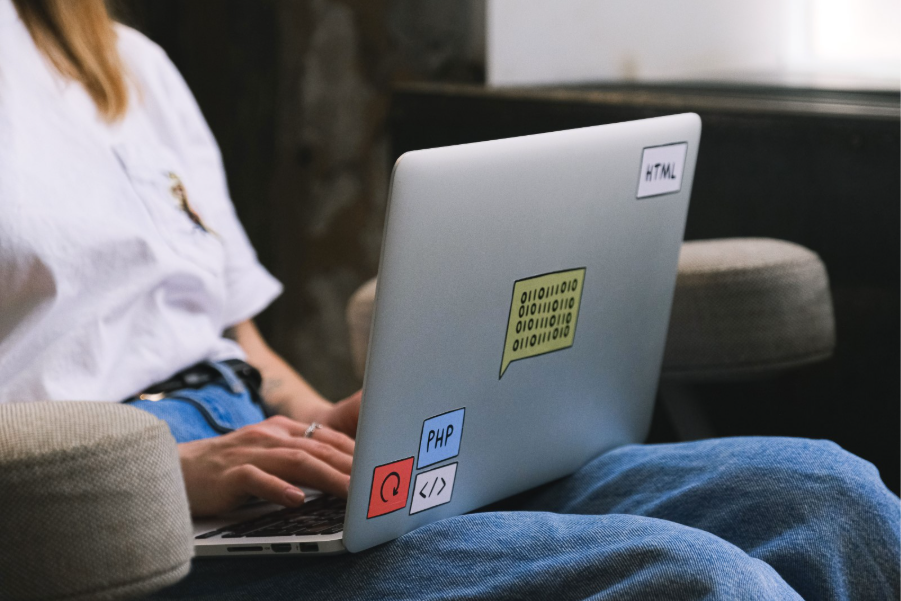
If you have shopped for a laptop lately, you have probably noticed a new term stamped on every box: AI PC. It shows up on budget models and flagship workstations alike. Marketers stick plenty of stickers on laptop lids, so it is easy to write this one off too. But this time the label points to something real inside the machine. Every AI PC NPU is a chip called a Neural Processing Unit, and unlike a lot of past buzzwords, this one is not going anywhere.
What Exactly Is an AI PC NPU?
An NPU is a processor built specifically to handle the math that artificial intelligence relies on. A CPU is a jack of all trades. A GPU handles graphics and heavy parallel work. The NPU tunes itself for one job: running AI models quickly without burning through your battery.
That distinction matters more than it sounds. AI tasks such as image recognition, background noise removal, live captioning, and text generation all involve the same repetitive math, done over and over. A CPU can technically handle this work, but slowly. A GPU can chew through it fast, but it costs you battery life and heat. The NPU handles exactly this kind of job, so it gets the work done while it sips power instead of draining it.
TOPS: The Number Everyone Talks About
You will see the term TOPS a lot when NPUs come up. It stands for Trillion Operations Per Second, and manufacturers use it as the standard way to measure how capable an NPU actually is. The number that matters most right now is 40 TOPS, since Microsoft set that as the bar for its Copilot+ PC certification. Cross that line, and your laptop qualifies for a whole set of AI features built into Windows.
Some chips go well past that mark. AMD’s Ryzen AI processors, for example, push NPU performance toward 50 TOPS. Newer chips from Intel and Qualcomm land in a similar range. Apple takes a slightly different road with its Neural Engine, built into every M-series chip. Apple does not always market a raw TOPS figure, but the chip performs comparably in real-world use because Apple tightly controls how the hardware and software work together.
What Does an AI PC NPU Actually Let You Do?
This is where things get practical. A laptop with a strong NPU is not just faster on paper. It changes what you can do without needing a cloud connection at all.
Real-time transcription and captions. Your laptop transcribes and captions meetings live, on the device, and no audio ever leaves your machine.
Smarter search. Instead of matching keywords, your laptop understands what you are actually looking for across documents, emails, and files, and it does this locally.
Local image and video tools. Tools like Photoshop or Lightroom run background removal, AI upscaling, and generative editing directly on the NPU. That means faster results and no waiting on a server.
Local language models. Tools such as Ollama or LM Studio can run a model like Llama or Phi directly on your laptop. Your conversations and documents stay entirely on your own hardware.
Privacy by default. The chip processes your data instead of the cloud, so sensitive files and conversations never need to travel anywhere to get the benefit of AI.
None of this needs a discrete GPU or a data center connection. That is really the whole point of the AI PC NPU: it brings AI down to a level where your laptop can just handle it quietly, in the background, without asking anything extra of you.
Why Every Laptop Has an AI PC NPU Now
A few years back, the NPU was an unusual add-on found in a handful of high-end machines. Now it ships as standard equipment, and a few clear reasons explain why.
First, Microsoft built its Copilot+ program directly around NPU performance. That pushed manufacturers to hit the 40 TOPS mark across their entire lineup, not just the top-end models. Once one major platform ties software features to a hardware requirement, the rest of the market tends to follow quickly.
Second, chip makers such as Intel, AMD, and Qualcomm now compete directly on NPU performance the same way they used to compete on clock speed. Intel’s Core Ultra lineup, AMD’s Ryzen AI chips, and Qualcomm’s Snapdragon X Elite platform all build around this same idea, even though each one takes a slightly different approach under the hood.
Third, buyers are starting to care. AI features no longer function as a gimmick bolted onto a spec sheet. Real workflows now depend on them, from transcription for remote meetings to on-device image generation for creative work. Buyers shop with that in mind now, rather than getting sold on the idea after the fact.
Does an AI PC NPU Help With Gaming?
Not directly, and this is worth clearing up because it comes up often. The GPU handles frame rates, texture quality, ray tracing, and shader performance, not the NPU. A high TOPS rating on your laptop’s NPU will not push more frames per second in a game.
An NPU can still help a gaming laptop in the background. AI-driven upscaling tools, voice isolation during a stream, or camera effects during a call can all run on the NPU. That frees up the GPU to focus entirely on rendering the game itself.
Should You Actually Buy an AI PC NPU Laptop?
If you are shopping for a laptop right now, the honest answer depends on how you plan to use it.
For general productivity, pick a Copilot+ certified thin-and-light laptop with a 40+ TOPS NPU. This choice future-proofs your purchase. The features tied to that hardware keep expanding quickly, and having the chip already in place means you will not need to upgrade again just to keep up.
For creative work such as photo editing, video, or local image generation, look for a machine that pairs a strong NPU with a capable GPU. A device that combines something like a 50 TOPS NPU with a discrete RTX-class GPU handles both the AI-assisted tasks and the heavier rendering work well. Check our 2026 AI laptop buying guide for current picks.
For casual users who mostly browse, write, and stream video, you probably do not need to pay a large premium purely for NPU capability yet. Most mainstream laptops now include one anyway, at little to no added cost.
The Bigger Picture
The shift toward AI PCs is not really about one flashy feature. It is a quiet redesign of how laptops handle everyday work. Instead of sending small, repetitive AI tasks off to a remote server and waiting on a response, your laptop now carries a dedicated piece of silicon built to just take care of it. It happens right there on the device, using very little power.
That is a meaningful change, and it explains why the AI PC NPU has gone from a niche extra to something nearly every new laptop ships with. Whether you are a student, a developer, a designer, or someone who just wants faster and more private AI features, the hardware underneath your next laptop purchase has quietly changed for good.