
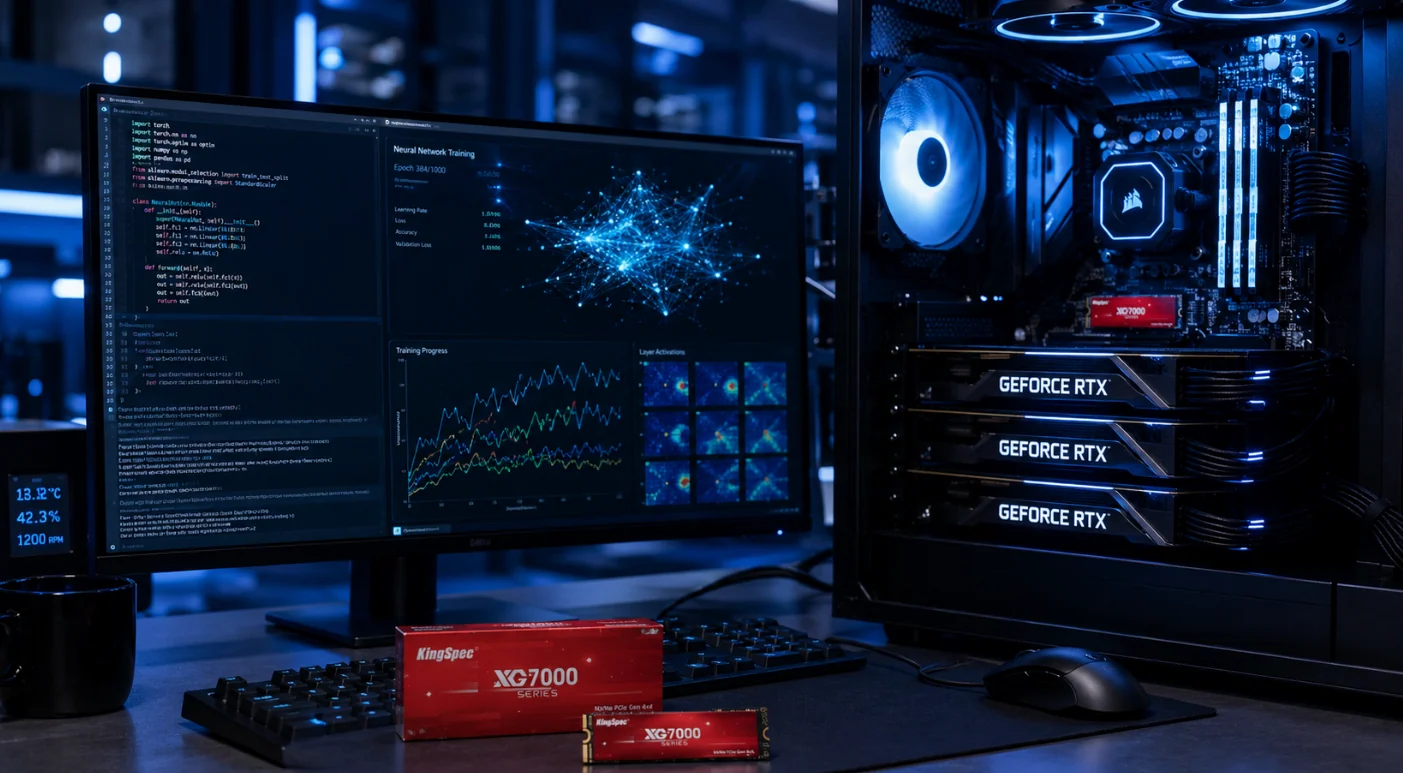
AI-optimized storage is quietly becoming the real bottleneck in machine learning. GPUs get all the attention. But a GPU can only train as fast as data reaches it. In 2026, AI-optimized storage exists to solve exactly that problem. It keeps expensive GPUs fed instead of sitting idle. Here is what actually changed inside the SSD, and why it matters.
Why AI-Optimized Storage Became a Real Category
Traditional SSDs were built for general use. They handle files, boot drives, and everyday reads and writes just fine. AI training breaks that model completely. Machine learning workloads read and write in parallel, at massive scale, with almost no downtime.
The cost of getting this wrong is steep. When storage cannot keep pace with a modern GPU cluster, idle compute wastes roughly $30,000 per node every year. That number comes from wasted capital and power, not lost revenue. Naturally, storage has become a direct driver of AI project return on investment, not just a background cost.
The GPU Feeding Problem
Every AI training run depends on one simple chain. Data moves from storage, into memory, then into the GPU. If that chain slows down anywhere, the whole pipeline stalls. Engineers call this I/O starvation.
A slow SSD does not just waste time. It wastes the most expensive hardware in the building. A GPU sitting idle, waiting for data, still draws power and still costs money. Therefore, AI-optimized storage focuses on one goal above all others: never letting the GPU wait.
What Makes AI-Optimized Storage Different
Three real engineering shifts separate AI-optimized storage from a standard consumer SSD.
Direct GPU access. NVIDIA’s Storage-Next initiative pushes SSD makers to let GPUs read flash memory directly. This effectively expands a GPU’s usable memory beyond its onboard High Bandwidth Memory. KIOXIA’s new GP Series SSD was built specifically for this, using Storage Class Memory to deliver extremely high IOPS with minimal delay.
Massive parallelism. Standard storage uses a scale-up model, where a pair of controllers manages a fixed set of disks. AI-optimized storage instead uses NVMe-over-Fabrics and RDMA, letting data move from flash straight into GPU memory with sub-millisecond latency.
Automated data tiering. Older systems forced administrators to manually shuffle data between fast and slow storage tiers. Modern AI-optimized storage automates this entirely. Hot training data stays on fast NVMe. Cold logs quietly migrate to cheaper storage in the background, without breaking the file path developers depend on.
Real Hardware Leading This Shift
A handful of manufacturers are defining what AI-optimized storage looks like in practice.
KIOXIA’s Super High IOPS SSD, part of its new GP Series, targets GPU-initiated workloads directly. Evaluation samples reach select customers by the end of 2026. Meanwhile, the company’s CM9 Series PCIe 5.0 drive offers 25.6 terabytes of capacity, built specifically to support the massive key-value cache demands of large language models with expanding context windows.
Solidigm has taken a similar approach, warning that GPU power keeps outpacing traditional NVMe delivery speeds. As a result, the company is pushing large fleets of SSDs designed for extreme parallelism and consistent performance under sustained, read-heavy AI workloads.
Solidigm has also pushed ultra-high-capacity QLC drives further than most competitors, already shipping 60 and 122 terabyte models, with 244 terabyte drives planned. That scale matters directly for AI inference, where massive model libraries need to live somewhere fast and affordable at the same time.
Do You Actually Need AI-Optimized Storage?
Not every setup needs data-center-grade hardware. For most local AI training and fine-tuning, a high-quality PCIe Gen 4 NVMe SSD delivers around 7,000 MB/s. That speed is fast enough for the vast majority of dataset loading and checkpoint saving on a personal workstation.
PCIe Gen 5 becomes worth the upgrade mainly for professionals handling massive datasets or very large language models. If your current Gen 4 drive is not causing delays, jumping to Gen 5 likely will not feel any faster in practice.
Separating drives also helps more than most people expect. Keeping your operating system on one NVMe drive and your training data on another prevents background tasks from interrupting a GPU mid-training run. It is a simple change that meaningfully improves consistency.
Security Matters as Much as Speed
Fast storage means nothing if the data inside it cannot be trusted. As more AI training and inference workloads move outside centralized data centers, protecting that data in transit and at rest becomes just as important as feeding the GPU quickly. For a deeper look at how hardware-level encryption protects sensitive AI workloads, read our full breakdown of Trusted Execution Environments and how they go beyond traditional security.
Final Thought
AI-optimized storage has moved from a niche data-center concern into a mainstream requirement for anyone doing serious machine learning work. The GPU still gets the spotlight, and it probably always will. But in 2026, the SSD sitting quietly behind it decides how much of that GPU’s power actually gets used. Whether you are running a personal workstation or scaling a training cluster, matching your storage to your actual workload is no longer optional.
