
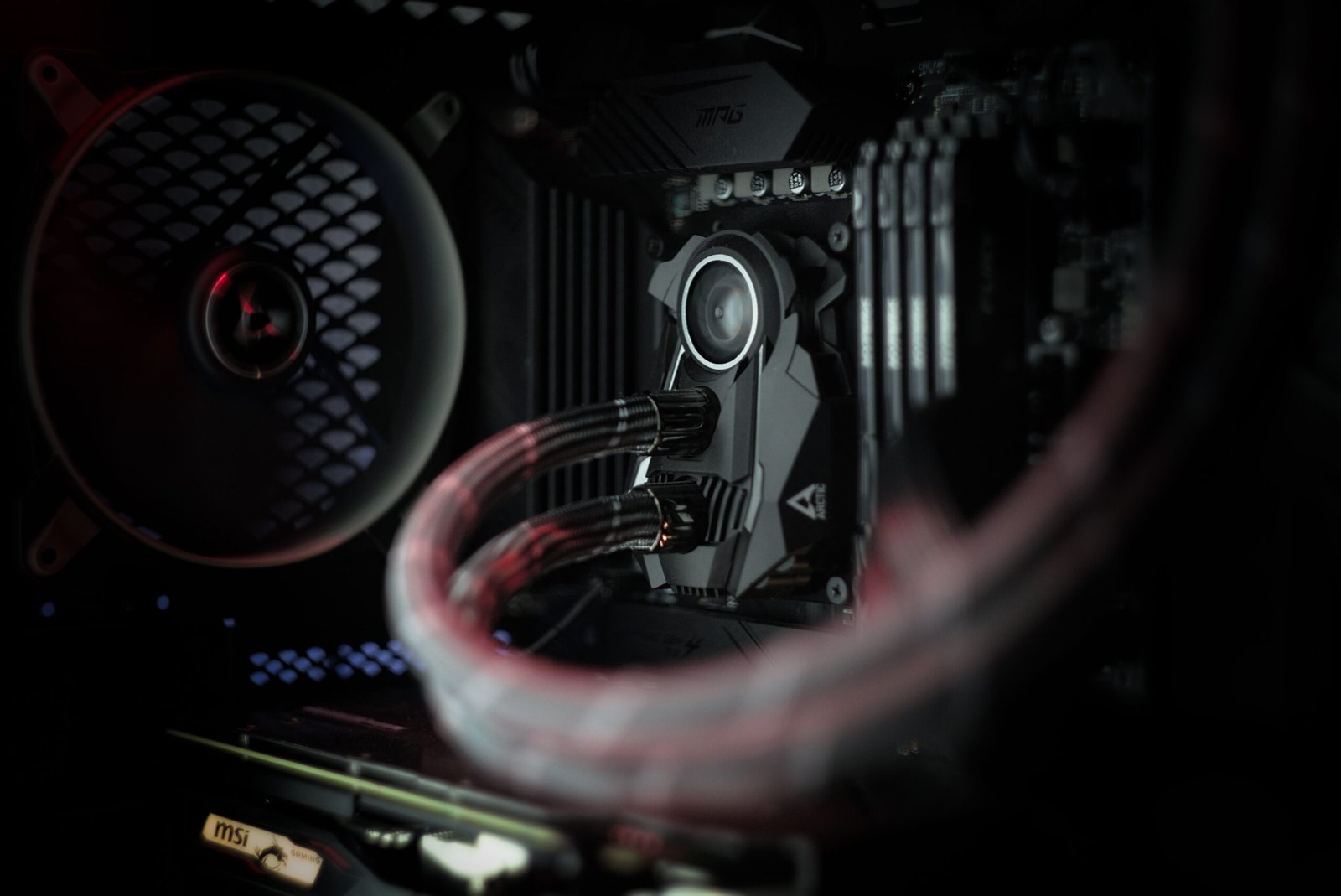
Silent PC cooling used to mean giving up performance. Not anymore. Today’s fans, cases, and heatsinks can keep a high-end gaming rig cool without the constant whir that used to define desktop computing. In fact, careful component choices now let builders hit near-silent operation even under heavy load. So the old trade-off between “fast” and “quiet” is quickly disappearing.
In this article, we will explain how silent PC cooling actually works, which components matter most, and how you can apply these ideas to your own build.
What Is Silent PC Cooling?
Silent PC cooling is the practice of managing heat with minimal noise output. It relies on a few core ideas. First, larger fans move more air at lower speeds. Second, sound-dampened cases trap noise instead of letting it escape. Third, smart fan curves keep RPMs low until they are truly needed.
None of this requires exotic hardware. Instead, it comes down to picking the right parts and tuning them well. A quiet PC typically stays under 30 dB(A) at idle, based on real-world testing from case reviewers. For comparison, that is close to the sound of a quiet library.
The Core Components of Silent PC Cooling
Fans Built for Low Noise
Fan quality matters more than almost anything else. Premium fans like Noctua’s NF-A12x25 reach a peak noise level of just 22.6 dB(A), even at their maximum 2000 RPM. That is remarkably quiet for a fan pushing serious airflow. Cheaper fans, by contrast, often hit similar noise levels at far lower speeds, which limits their cooling headroom.
Larger fans help too. A 140mm fan can move the same air as a 120mm fan while spinning slower. Slower spin means less noise, so bigger is often better here.
Cases Designed for Sound Dampening
A silent PC cooling setup also depends heavily on the case itself. Good cases use closed-cell foam and bitumen layers on interior panels. These materials absorb sound before it escapes. At the same time, cases still need enough ventilation to avoid trapping heat. That balance between sealing noise in and letting heat out is exactly what separates a great silent case from a mediocre one.
Fan Curves and Smart Controllers
Software matters just as much as hardware. A well-tuned fan curve keeps fans quiet during everyday tasks like browsing or writing. It only ramps up speed when temperatures actually demand it. Many modern motherboards let you customize these curves directly in the BIOS, so you do not need extra software at all.
Can You Build a Completely Silent PC?
Technically, yes, but it takes commitment. A fully silent PC needs zero moving parts. That means a fanless power supply, solid-state storage only, and a passive CPU cooler with a large heatsink. Fanless cases exist specifically for this purpose, and they work well for lower-power builds. However, high-end gaming components generally still need active airflow, since passive cooling struggles once power draw climbs.
For most builders, “very quiet” is a more realistic goal than “completely silent.” A well-executed silent PC cooling setup can still stay under 40 dB(A) even under full gaming load, which is barely noticeable in a normal room.
Silent PC Cooling and Your Broader Setup
Cooling is only one piece of a quiet, efficient system. Wireless performance matters too, especially if your setup relies on a home network for streaming or backups. If you are already planning upgrades, it is worth reading our guide on Wi-Fi 8 hardware and preparing for the next wireless revolution, since a quiet PC deserves a reliable network to match.
Final Thoughts
Silent PC cooling is no longer a niche hobby reserved for audio professionals. Modern fans, sound-dampened cases, and smart fan curves now make near-silent builds realistic for everyday gamers and creators alike. You do not need to chase total silence to get real results. Even a few smart component choices can transform how your PC sounds, without sacrificing the performance you rely on.
