
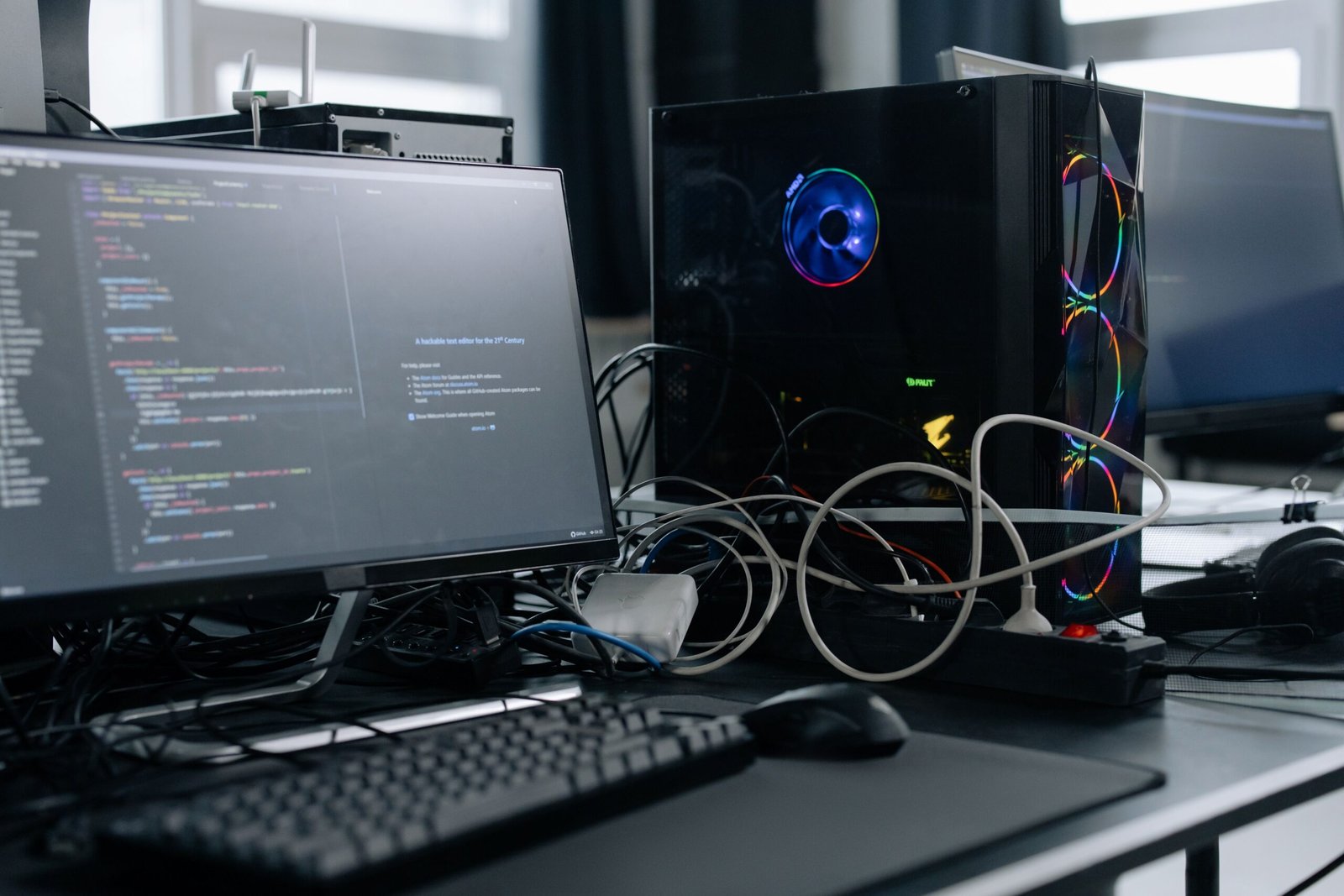
AI mini PCs are proving that bigger doesn’t always mean better. These palm-sized computers now pack dedicated AI processing power into a case small enough to hide behind a monitor, yet they handle serious productivity workloads without breaking a sweat. In this post, we’ll look at why AI mini PCs suddenly became so capable, who they’re actually built for, and what to check before buying one.
Why AI Mini PCs Suddenly Got So Powerful
For years, mini PCs were a compromise. Buyers accepted weaker performance in exchange for a smaller footprint and lower power draw. However, chipmakers began packing dedicated neural processing units directly into their mobile-class chips, and mini PC manufacturers quickly adopted that same hardware. As a result, today’s AI mini PCs can handle tasks that once required a full-sized desktop tower.
Efficient chip architecture deserves much of the credit here. Because these processors were originally designed for laptops, they run cool and efficient even inside a tiny enclosure. Consequently, AI mini PCs no longer need bulky cooling systems to stay stable under heavy workloads, which keeps the whole device compact.
What Makes an AI Mini PC Different From a Regular PC
The defining feature of an AI mini PC is its dedicated neural processing unit, often called an NPU. This chip handles AI-specific tasks, like real-time transcription, image upscaling, and background noise removal, separately from the main processor. Therefore, everyday apps run smoothly even while AI features work in the background.
Regular mini PCs rely entirely on the main processor for every task, including AI workloads. Consequently, they slow down noticeably when running AI-powered software. AI PCs avoid this bottleneck by splitting the work across specialized hardware, which keeps the whole system responsive.
For a deeper look at how this hardware compares to running models entirely offline, our earlier post on explains the broader shift toward on-device processing.
Who Actually Benefits From AI Mini PCs
AI mini PCs suit a surprisingly wide range of users. Remote workers appreciate the small footprint, especially in home offices where desk space is limited. Content creators benefit from faster video transcription and background removal during calls, tasks that used to slow down weaker machines. Meanwhile, small businesses often deploy mini PCs across an office because they cost less to power and take up far less space than traditional towers.
In other words, AI mini aren’t just a novelty for tech enthusiasts anymore. They’ve become a practical choice for anyone who wants desktop-level productivity without the bulk of a full-sized computer.
If you’re comparing this option against building a bigger workstation, our covers the trade-offs in more detail.
What to Look for Before Buying an PC
Not every AI mini PC offers the same level of performance, so a few specs matter more than others. First, check the NPU’s processing power, usually measured in TOPS, since a higher number means faster AI task handling. Second, confirm the amount of memory included, as AI features tend to use more RAM than typical office tasks. Third, look at port selection carefully, since compact cases sometimes sacrifice connectivity to save space.
Additionally, consider upgradeability. Some AI mini allow storage or memory upgrades later, while others ship fully sealed. Because that decision affects the device’s long-term usefulness, it’s worth checking before committing to a purchase.
How AI Mini PCs Compare to Cloud-Based Tools
Some productivity tasks still run faster through cloud-based AI services, especially those requiring massive models. However, AI mini handle a growing share of everyday tasks locally, which means faster response times and no dependence on an internet connection. Therefore, many users now treat their AI mini PC as a first option, reserving cloud tools only for the heaviest workloads.
For an outside look at how these devices perform in real-world testing, Tom’s Hardware’s mini PC reviews offer detailed benchmarks, and The Verge’s compact PC coverage tracks new releases as they launch.
Final Thoughts
AI mini PCs have quietly become one of the most practical computing categories available today. By combining dedicated AI hardware with a genuinely small footprint, these devices deliver desktop-level productivity without the space, noise, or power draw of a traditional tower. As NPU technology keeps improving, expect AI mini PCs to handle an even larger share of everyday computing tasks going forward.
Want to see how these devices stack up against traditional desktops feature by feature? Read our Memory Compression next.
